
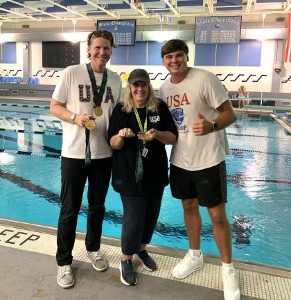



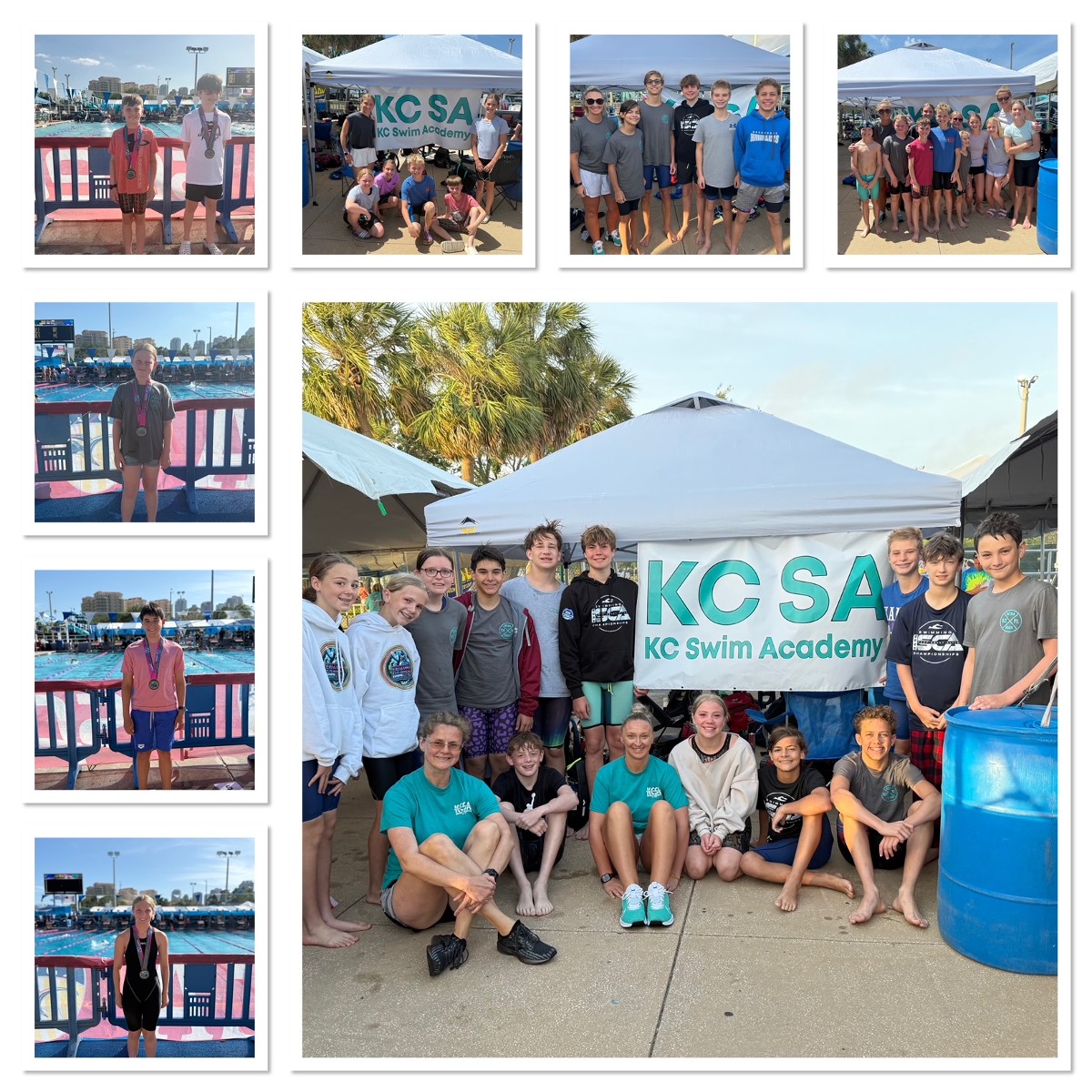






- Ultimately, a swimmer's goal is to beat their own best times.
- “USA Swimming Sanctioned Swim Meets” are how swimmers log official times (no matter how well they swim in practice, only swims during USA Swimming sanctioned meets are official).
- Meet registration deadlines can be 1-2 months in advance - be on the lookout
- Relays are put together by coaches depending on meet (not all meets have relays)
- Meets have limited number of swimmers they can allow in the meet **
- Expect that during the first few meets your swimmer will acclimate to the meet feel and structure:
- Getting used to the noises, process, how it works, where to sit, where to go, etc.
- Communication about finalized meet/warm-up/races are communicated the day before the meet
- Meet Mobile app important to have
- Some meets have printed heat sheets available to purchase $5 cash
- Meets are long - bring work/book/snacks
- Meets are warm - dress in layers
- Your swimmer can come to you, but you can not go to your swimmer. CAVEAT - we need to keep swimmers in the team area because we don’t want them to miss their race.
- A term to understand : DQ (disqualification) - don’t panic
How to Sign Into a Meet
-
Sign in to your kcswimacademy.org.
-
Click Events & Competition > Team Events in the side menu or on the homepage scroll down to Upcoming Events/Swim Meets & Team Events
-
Click your desired event’s Attend/Decline or Edit Commitment button.
-
Click the name of the athlete whom you want to attend.
-
Click the Declaration dropdown and click Yes, please sign [Name] up for this event (or No, thanks, [Name] will NOT attend this event, enter any Notes, and then click Save Changes).
-
If applicable, enter any Notes you want the coach to see.
-
If a team admin has allowed you to select events, check the boxes of the events you want your athlete to enter.
-
Red times indicate your athlete is not qualified to enter those events.
-
Events you choose are subject to coach approval.
-
-
Otherwise, select which days and sessions your athlete will attend, and a coach will then pick which events your athlete will enter.
-
You may click a day/session button to see scheduled events.
-
-
When finished, click Save Changes.
-
Repeat for all other athletes you may have.